
What Are Core Web Vitals? How They Impact Your Website’s SEO Performance
Core Web Vitals — LCP, INP and CLS — shape both your Google rankings and real user experience. Here is what they are, how to measure your score, and how to improve them.

TL;DR: Core Web Vitals are three performance metrics Google uses to judge page experience — LCP (loading), INP (responsiveness) and CLS (visual stability). Good scores are LCP under 2.5s, INP under 200ms and CLS under 0.1. They are a ranking factor and they shape whether visitors stay or leave. Check them with Google Search Console, PageSpeed Insights, Lighthouse and Chrome DevTools, then improve them by optimizing images, minimizing JavaScript, speeding up your server, and preventing layout shifts.
If you run a website, you can’t ignore Core Web Vitals—they play a huge role in both SEO and how well your site actually works for visitors.
These metrics zero in on things like how fast your pages load, how quickly people can interact with your site, and whether stuff on the page jumps around while it’s loading. If your site stumbles here, your search rankings and user engagement take a real hit.
But when you pay attention to Core Web Vitals and put in the work to improve them, you don’t just climb higher on search results; you also make your website better for everyone who visits. That’s a win all around. Through this blog, let’s get some insights about the importance of Core Web Vitals and how they play an important role in a website’s SEO performance.
The Three Core Web Vitals Metrics Explained
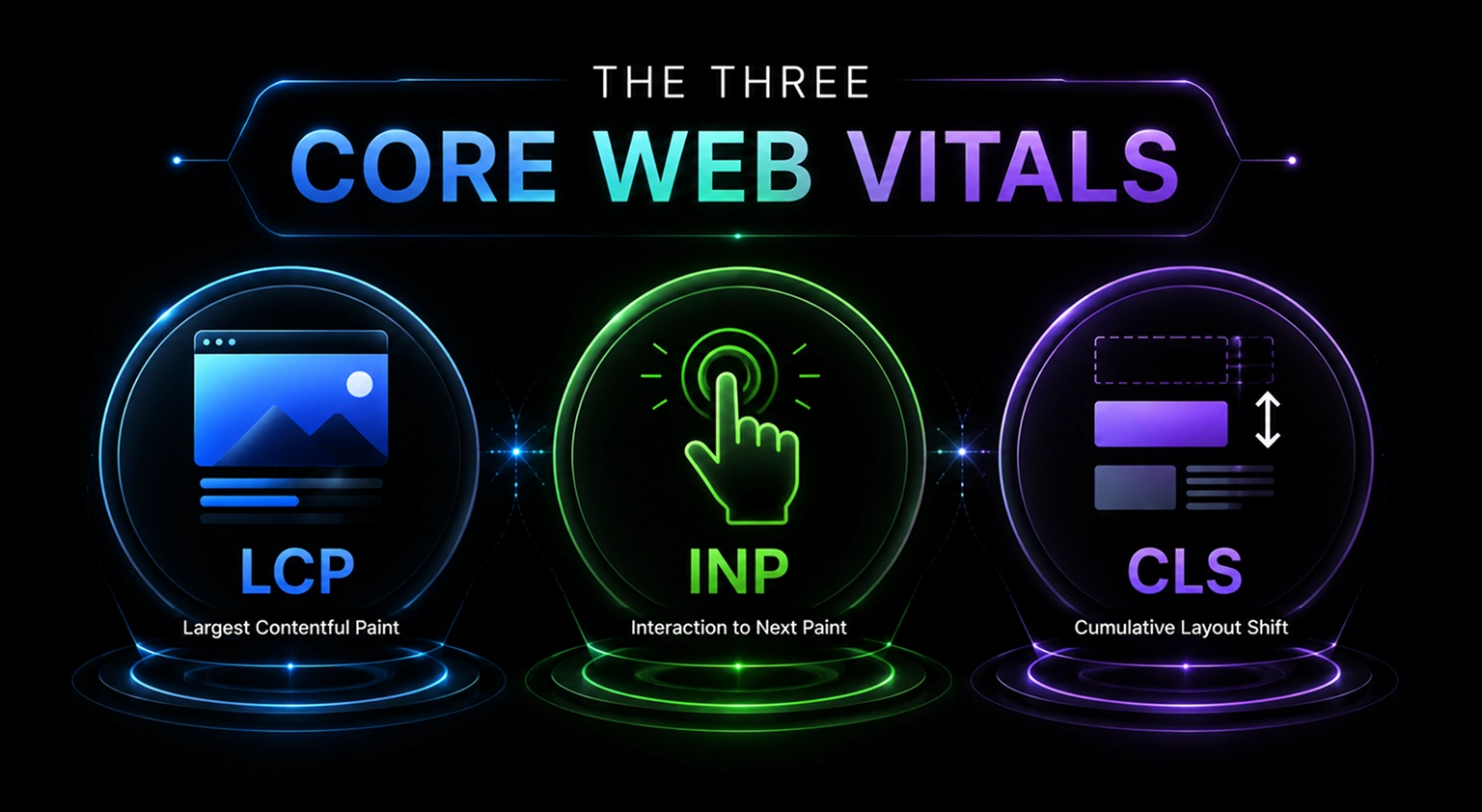
Basically, the Core Web Vitals mainly focuses on three main metrics: Largest Contentful Paint (LCP), Interaction to Next Paint (INP), and Cumulative Layout Shift (CLS) in Core Web Vitals and SEO. In simple terms, the understanding what Core Web Vitals in SEO mainly depends on these 3 metrics. Each metric addresses the specific point that users get a responsive website with stability that influences the complete satisfaction with engagement as well.
LCP – Largest Contentful Paint
The Largest Contentful Paint (LCP) mainly accesses the time taken for rendering the visual content in the market. Generally, the “largest content” specifically refers to a hero image, banner, featured video, or a large text blog that would be visible during page load.
INP – Interaction to Next Paint
The concept of INP (Interaction to Next Paint) is more or less associated with how the website reacts after an interaction by the user. It includes the amount of time it takes for the site to respond to a certain interaction made by the user, such as clicking, scrolling, or filling out forms.
Note: In March 2024, Google officially replaced First Input Delay (FID) with INP as a Core Web Vital.
CLS – Cumulative Layout Shift
Cumulative Layout Shift: This is a performance metric used to evaluate the visual stability of web pages when they load. Usually, the higher the score, the more likely the page elements will shift while the user interacts with them.
Why Core Web Vitals Matter for SEO
Online performance has become increasingly significant in the fields of SEO and website design. Core Web Vitals (CWV) are one of these characteristics, which are fundamental metrics for a site’s performance based on real user experiences in the Core Web Vitals ranking factor.
Search engines are shifting towards understanding the influence of site speed, responsiveness, and visual stability on the user journey to examine What are Core Web Vitals in SEO.
Google’s page experience rating systems are typically made up of a collection of diverse signals that are considered significant for user experience:
- HTTPS
- Mobile-friendliness
- Lack of transitional pop-ups
- Browsing Safely (Free from malware)
Note that a strong site experience alone will not necessarily get you to the top rank in Google through the Core Web Vitals checklist for websites. In fact, Google was eager to note that site experience isn’t the only thing that matters in a piece about combining Core Web Vitals with other current signals.

Tracking Core Web Vitals in SEO
Monitoring of Core Web Vitals is vital because it will help to detect problems with the site performance that may negatively influence the website’s ranking, traffic, conversion, and user experience to check the Core Web Vitals score.
It is necessary to carry out optimized testing of Core Web Vitals that will make it possible for website owners to see the way their pages are perceived by users on various devices.
Several Core Web Vitals tools are provided by Google for the purpose of checking websites.
Google Search Console
Google Search Console’s Core Web Vitals report provides data on the basis of real-user performance data collected from browsers as per the visitors’ searches. It also collects website URLs into different categories such as “Good,” “Needs Improvement,” and “Poor” metrics for both mobile and desktop devices for website performance.
| Metric | Good | Need Improvement | Poor |
|---|---|---|---|
| LCP | < 2.5s | 2.5s – 4s | > 4s |
| INP | < 200 ms | 200 ms – 500 ms | > 500 ms |
| CLS | < 0.1 | 0.1 – 0.25 | > 0.25 |
Google Search Console is best for:
- Website Owners
- SEO Professionals
- Long-Term Performance Monitoring
- Agencies Managing Multiple Pages
PageSpeed Insights
Google PageSpeed Insights will analyze the webpage’s metrics using both real-user data and simulated lab data in website speed and SEO. This tool also measures the significance of metrics like LCP, INP, and CLS while also predicting the practical optimizations like caching improvements, script reduction, code optimization, and image compression in the website’s performance.
PageSpeed Insights is best for:
- Bloggers
- Developers
- Marketers
- Small Business Owners
- Ecommerce Websites
Chrome Lighthouse
Chrome Lighthouse documentation is a kind of automated auditing system that is especially connected with Chrome DevTools that Improve Core Web Vitals score for better SEO. It generates the detailed reports related to the following:
- Accessibility
- SEO
- Performance
- Best Practices
It is unlike the Google Search Console; Lighthouse does not integrate real-user browsing data. It will perform tests in a kind of controlled lab environment, making it highly useful for pre-launch optimization and debugging.
Common Use of Chrome Lighthouse:
- Enhance Frontend Optimization
- Troubleshoot Performance Problems
- Identify Render-Blocking Resources
- Test Staging Environments
Chrome DevTools
Another easy and fast method that could be used for the assessment of core web vitals basics is via Chrome DevTools. In case of using Chrome DevTools, one needs to open any web page in Chrome and right-click to open a panel for choosing “inspect” mode.
To create a performance report, open DevTools and select the Lighthouse or Performance tab. Next, Chrome will examine metrics such as the following:
- LCP
- INP
- CLS
- Page Performance
- Accessibility
How to Improve Core Web Vitals?
Improving Core Web Vitals tends to push your website to load faster, feel more responsive, and stay visually steady. When performance is better, users usually get a smoother experience, your search visibility can rise, and people are more likely to stick around longer or click around more.
Optimize Image Performance
Try compressing images, move toward modern formats like WebP (or AVIF), turn on lazy loading, and serve adaptive image sizes. This way you reduce page load times in a more practical way.
Minimize JavaScript Execution
Cut out unused JavaScript, postpone scripts that aren’t urgent, and split the code into smaller, easier bundles, which is handled by an Ecommerce SEO services agency. That should make interactions quicker and the page less jumpy when it starts up.
Improve Server Response Time
Pick dependable hosting, enable caching, tune your databases, and use a content delivery network. The first delays on the server side get reduced. Less waiting generally means a better experience.
Eliminate Render-Blocking Resources
Hold back any CSS and JavaScript that isn’t needed immediately. At the same time, inline critical CSS so the important content appears sooner, without the browser waiting around too long.
Prevent Layout Shifts
Set clear image dimensions, reserve space for ads, and avoid inserting content in a way that changes the page structure mid-load. This helps keep the layout predictable during loading.
Enable Browser Caching and Compression
Use browser caching plus Gzip or Brotli compression, then deliver optimized assets efficiently. The goal is to prevent repeated downloads and make the site feel faster overall.
Common Mistakes That Hurt Core Web Vitals
Here are some common mistakes that can hurt Core Web Vitals on your website:
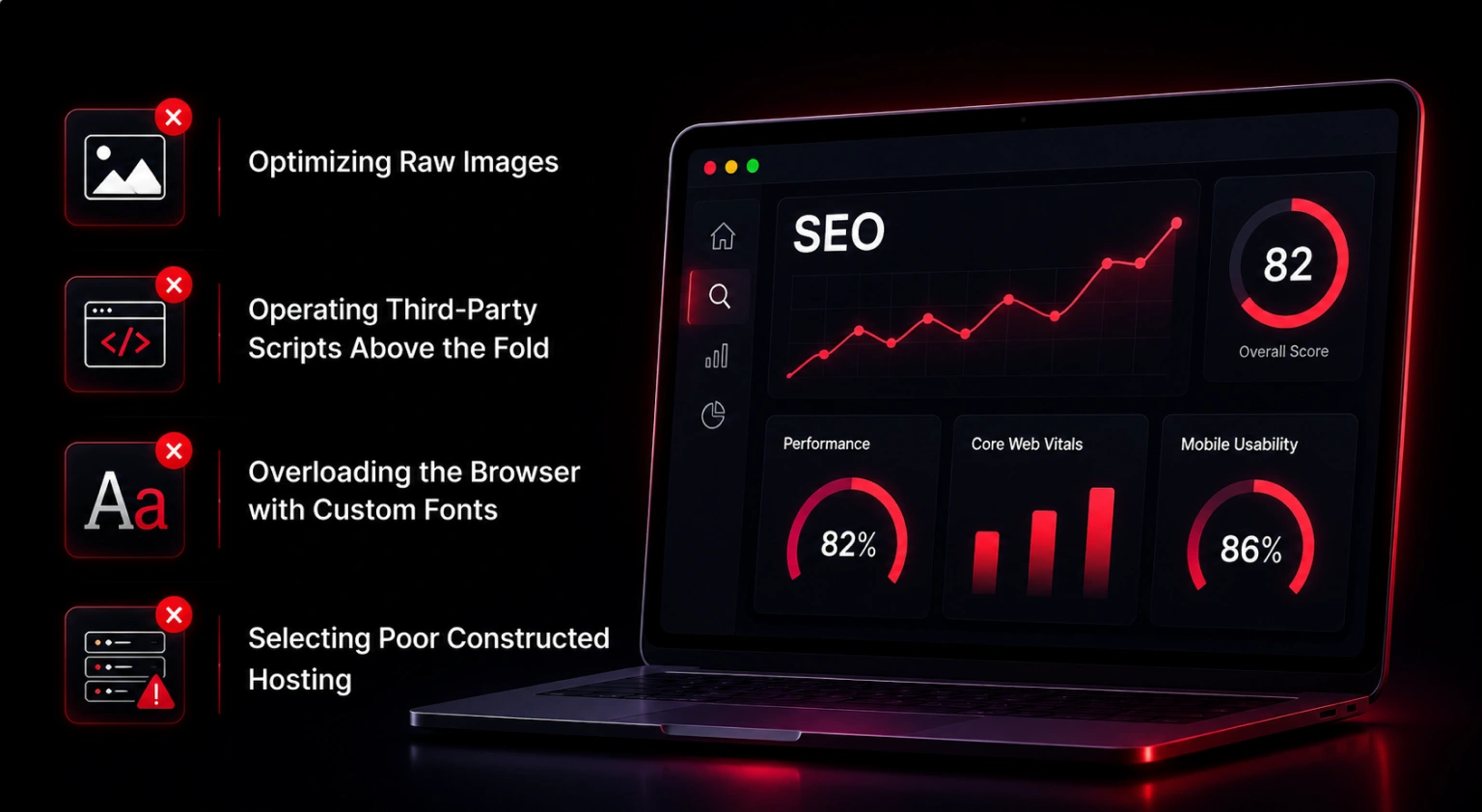
Optimizing Raw Images
The biggest threat of LCP (Largest Contentful Paint) is unoptimized images. Basically, LCP measures how long it takes to place the largest element on the screen for proper loading. Generally it would be a hero image or a large banner. Suppose you are uploading an image through the camera or stock site; it means you are forcing your browser to optimize your image.
Operating Third-Party Scripts Above the Fold
Third-party scripts include things like chat components, ad platforms, and social networking feeds They are known as slow. If you place these scripts on the top of your page code, the browser halts everything else to attend to them. This “render-blocking” tendency is what makes viewers stare at a white screen.
Overloading the Browser with Custom Fonts
Sometimes fonts are often counted as overlooked or performance killers for a website. Typically a custom font weight and style always carry a file in the browser that must be fetched. Suppose you are using 4 different weights of a custom Google font; it means you are increasing the page weight. Sometimes it loads slowly and might hide the text until the font is ready for usage on the website.
Selecting Poor Constructed Hosting
Your website speed is determined by your Time to First Byte (TTFB). If your server is sluggish to react, everything else will be delayed. If your server takes a full second to only acknowledge a request, you can’t get a fast LCP. A lot of organizations try to save money by going with slow, busy shared hosting solutions.
Caching is also a problem due to bad server configuration from a Digital marketing agency for startups. If your server does not tell the browser to ‘remember’ particular files, the browser has to download everything from scratch every time a user clicks to a new site.

Final Thoughts
Upon contemplation, it is clear that the Core Web Vitals greatly affect SEO ranking and website performance as a whole by the Best digital marketing agency in India. It also explains that by focusing on these aspects, one not only improves user experience but also increases their website’s visibility through search engines.
It highlights the importance of the webmasters taking up approaches that focus on the speed of loading, interactivity, and visual stability since the search engines use these factors in their algorithm.
It also explains that by being proactive in improving the Core Web Vitals, one is bound to increase engagement and retention rates of the website as well.
Key takeaways
- Core Web Vitals are three metrics — LCP (loading), INP (responsiveness) and CLS (visual stability). INP replaced FID in March 2024.
- Aim for LCP under 2.5s, INP under 200ms and CLS under 0.1 to sit in Google’s “Good” range.
- They are a ranking factor, but they work alongside high-quality content — not as a replacement for it.
- Check your score with Google Search Console, PageSpeed Insights, Lighthouse and Chrome DevTools.
- Improve by optimizing images, minimizing JavaScript, improving server response time, and preventing layout shifts.
Frequently asked questions
Load time should be optimized, layout shifts reduced, images optimized, browser caching enabled, code compressed, a CDN used, and server response time minimized to increase the efficiency of web pages.
Yes, Core Web Vitals (LCP, INP, CLS) are part of Google’s ranking factors. They are included in what Google calls “page experience” signals, along with things like HTTPS, mobile-friendliness, and safe browsing. But they don’t work alone good Core Web Vitals scores by themselves won’t push you to the top. They only help when paired with high-quality, relevant content on your site.
Google assesses loading speed through Largest Contentful Paint (LCP), responsiveness using Interaction to Next Paint (INP), and visual stability by Cumulative Layout Shift (CLS) in order to gauge Core Web Vitals.
Determine the problem related to Core Web Vitals using tools such as Google PageSpeed Insights, Lighthouse, Chrome DevTools, and Search Console to optimize the website.
Of course, slow loading speed, delayed interaction, and unstable layouts can annoy the users, causing a high bounce rate and making engagement and conversion lower as well as search visibility despite having good website content.
Still deciding?
Tell us your goal — we’ll point you the right way
No pitch, no pressure. Share where you’re stuck and we’ll reply with a clear next step.
- A reply within 24 hours, from a real strategist.
- A clear next step tailored to your goal — not a sales pitch.
- Your details stay private. No spam, ever.